Hi guys, today i am going to show you all a cool tool from Adobe Photoshop cs5 for that you need Adobe Photoshop CS5, you can download it from Adobe wesbite. I want to keep things very simple in this tutorial because this tool is very simple to use, but first of all lest drop few lines about this tool.
What puppet Warp does?
Puppet Warp overlays a Mesh (you can specify the tightness or looseness) over your object, lets you set Control Points ("pins"), and rotate your object around those Control Points. The Mesh magically gives your object a rubber-like quality so they bend, twist and warp naturally. You can rotate sections of your object in front or behind one another.
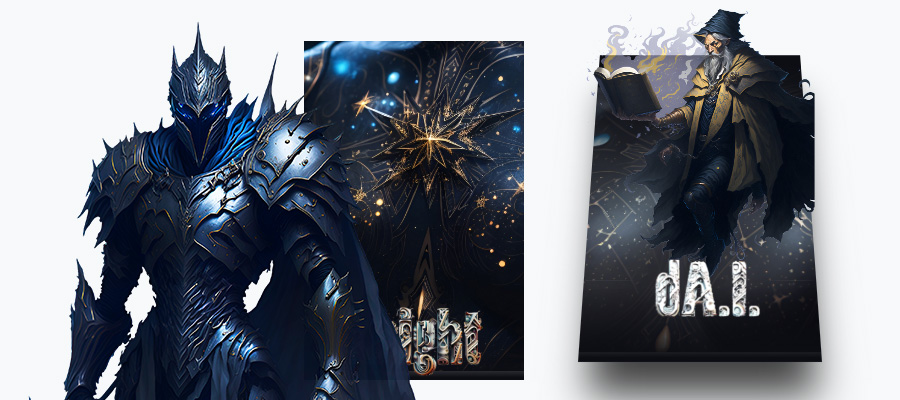
Lets start learning, here is what i used in my tutorial.

First of all remove the white background, use Magic Eraser Tool (E), if order to control the puppet we need to erase the background.
Now select puppet layer and go to Edit > Puppet Warp.
By default Photoshop CS5 ads a mesh around the layer you just activated Puppet Warp Tool, but i disabled the mesh, if you want to disable the mesh just right click on it and you will have a menu where you can disable it, and basically you will have all the options you can use there.
Now add some points on your puppet and move them.

Here's my example.

Detailed Adobe Photoshop Puppet Warp Instructions
As mentioned, in Adobe Photoshop, you can use Puppet Warp to manipulate the subject’s shape structure or features. You can also use it to reposition things, like hair or extremities. As the term implies, you're like a puppet master manipulating the subject, which is your puppet. Essentially, Puppet Warp allows you to put pins on the image so that you can create subtle manipulations or dramatic changes.
Step-by-step instructions on how to use Puppet Warp:
- Once you select “Puppet Warp” in the Options Bar under the Edit menu, make sure that you select the Normal Blending Mode.
- Make sure that “More Points on Density” is also selected so that you can manipulate the image with more control.
- Click on the box to turn on “Mesh” to have a visual mesh you can slide or move around.
- You can rotate the image by pressing the Alt or Option based on the pin selected.
Note: Be careful when rotating the image. Make sure that there are pins added to pin down areas of the image you don’t want to move.
FAQ About Puppet Warp
Why is the Puppet Warp option greyed out?
Because Puppet Warp cannot be carried out on a blank layer; this option is grayed out if you have a blank layer.
Is there a warp tool in Adobe Illustrator?
Yes. The Puppet Warp tool in Adobe Illustrator enables you to pin down bits while telling others to stay put, manipulating the image like a true puppet master. This tool is located in the same area under the new Width tool.
Click and hold to view a pop-out menu in the Width tool (seven Liquify tools). Release the mouse over the warp tool you want to use. You can also use the Shift + R keyboard shortcut to access the warp tool.
Hope this tutorial helps. Thanks and don't forget to be creative!